1
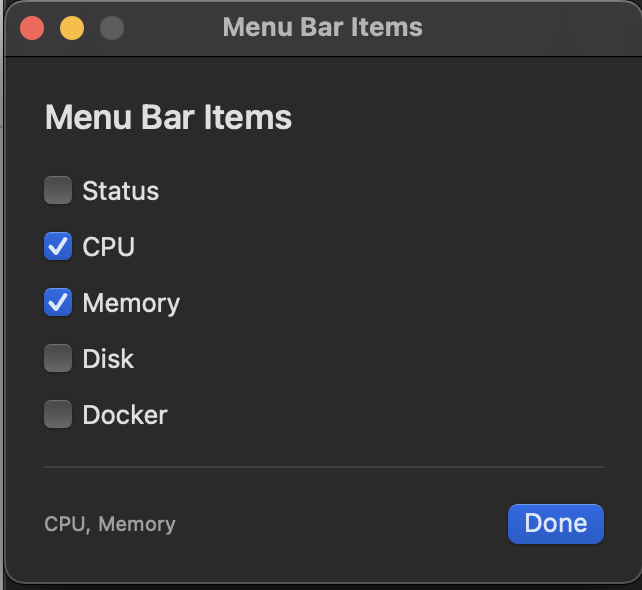
Menu bar status
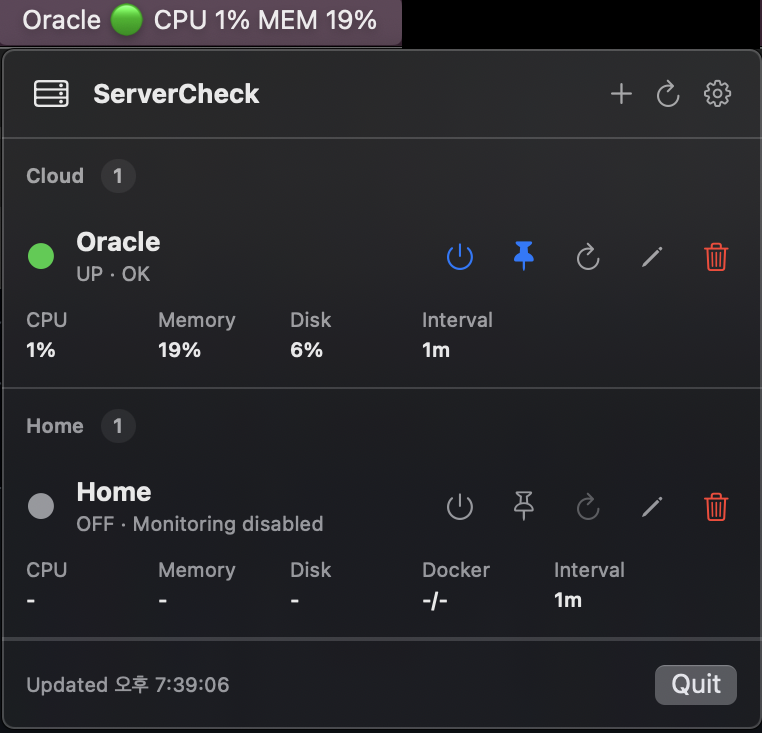
Show one representative server or every server directly in the macOS menu bar.
Keep an eye on Linux servers from your Mac menu bar. ServerCheck connects over SSH, runs predefined read-only checks, and shows server health without installing an agent.
ServerCheck is designed for home servers, small cloud instances, Docker hosts, and simple infrastructure where a full monitoring stack would be too heavy.
Show one representative server or every server directly in the macOS menu bar.
Use key-based SSH and predefined read-only commands. No password storage.
Set CPU, memory, and disk warning thresholds for each server.
Organize servers by group and pick the one that should represent your menu bar.
Keep server down and recovery events in a local log file.
Check GitHub Releases from Settings and download the latest DMG when needed.
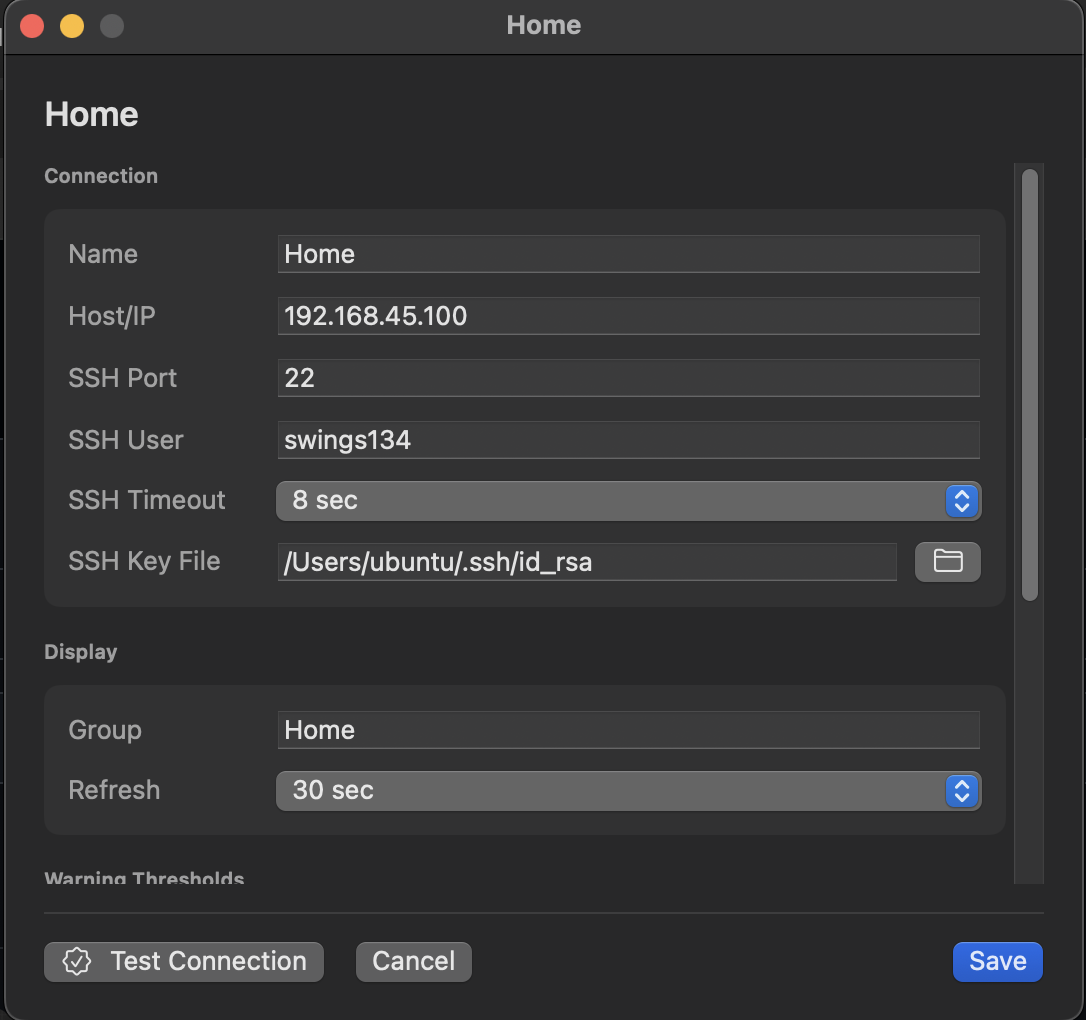
Add servers, tune refresh intervals, test connections, and choose exactly what appears in the menu bar.